
Buying a soundbar can significantly enhance your home audio experience, but it’s imperative to understand the various features available to make an informed decision. From audio quality to connectivity options, this guide will break down the most important elements you should consider to ensure you select the right soundbar for your specific needs. Dive in to explore how different features can impact your listening experience and what you should prioritize when adding this audio upgrade to your home entertainment setup.
Contents
Understanding Soundbars
Audio technology has evolved significantly, and soundbars have emerged as a popular solution for enhancing your home entertainment experience. These sleek, elongated speakers are designed to produce high-quality sound without the need for bulky speaker systems. They can seamlessly integrate with your television, providing a more immersive audio experience while saving space.
What is a Soundbar?
With their slim profile and simple setup, soundbars are compact audio systems designed to enhance the sound quality of your TV, movies, and music. Unlike traditional surround sound systems, soundbars use advanced audio technology and multiple speaker drivers housed in a single unit, making them an attractive option for those with limited space.
Benefits of Using a Soundbar
Among the numerous advantages of soundbars, their ability to deliver rich sound without the complexities of a multi-speaker setup is remarkable. They are easy to install, often requiring only a single connection to your television, and many models come with built-in Bluetooth for streaming music wirelessly from your devices.
Further enhancing your home entertainment setup, soundbars also frequently include features like virtual surround sound and dialogue enhancement, making action films and dialogue-heavy shows much more enjoyable. Additionally, many soundbars have customizable sound modes, allowing you to tailor the audio output to match your preferences or the content you’re watching. With a soundbar, you get a plethora of audio enhancement options that can transform your viewing experience with minimal hassle.
Key Features to Consider
You need to evaluate various key features before purchasing a soundbar to ensure it meets your needs. Look for:
- Audio enhancement technology
- Channel configuration
- Built-in subwoofer or external subwoofer compatibility
- Smart features and virtual assistants
- Size and design to fit your space
- Remote control and app functionality
- Price-to-performance ratio
Recognizing these elements can significantly enhance your soundbar experience. For a comprehensive overview, check out How to choose a soundbar | Buying guide.
Audio Quality and Technology
Technology plays a vital role in determining the audio quality of your soundbar. Features such as Dolby Atmos, DTS:X, and surround sound settings can create an immersive listening experience. Higher wattage and specialized audio codecs contribute to clearer, richer sound, enhancing your overall enjoyment of music and movies.
Connectivity Options
Quality connectivity options help you integrate your soundbar seamlessly into your home setup. Look for HDMI ARC, optical audio, Bluetooth, and Wi-Fi capabilities to connect various devices effortlessly.
Even more, having multiple inputs increases your flexibility to connect streaming devices, gaming consoles, and televisions. Some soundbars also offer support for voice assistants and smartphone apps, giving you added convenience to control your audio experience without the hassle of wires.
Different Types of Soundbars
One of the first considerations when choosing a soundbar is understanding the different types available on the market. Each type caters to various audio preferences and spaces, ensuring an enhanced audio experience for you. Below is a breakdown of the common types:
| Type | Description |
|---|---|
| Standard Soundbar | Basic model that enhances TV sound. |
| Soundbar with Subwoofers | Includes a separate subwoofer for deeper bass. |
| Soundbars with Surround Sound | Offers immersive audio experience with discrete sound sources. |
| Wireless Soundbars | Connects via Wi-Fi or Bluetooth, minimizing cable clutter. |
| Soundbar Systems | Complete setups with additional speakers for enhanced sound. |
Recognizing the right type for your needs will elevate your overall audio experience.
Soundbar with Subwoofers
Subwoofers are necessary if you want to enjoy rich, deep bass in your audio experience. These soundbars come with an external subwoofer that enriches the sound by producing lower frequency sounds that standard soundbars often miss. By incorporating a subwoofer, you’ll notice a significant difference in your music, movies, and games, making every experience more engaging and powerful.
Soundbars with Surround Sound
Soundbars with surround sound provide a more immersive listening experience by simulating a multi-directional audio environment. This means you’ll hear sound coming from all angles, similar to what you would in a traditional surround system. Such soundbars use advanced audio processing technology to create a three-dimensional audio field that enhances your enjoyment while watching movies or playing video games.
In fact, many soundbars with surround sound capabilities include virtual surround features that allow them to deliver impressive audio without the need for additional speakers. This makes them perfect for those looking for an all-in-one solution that maximizes sound quality while saving space. Opting for these models ensures you can enjoy an enveloping sound experience with minimal setup hassle.
Size and Design Considerations
Unlike traditional speaker systems, soundbars offer a sleek and contemporary design that can seamlessly fit into your entertainment setup. When choosing a soundbar, consider its size in relation to your TV and available space. Measuring your TV’s width and the area around it can help ensure that you select a soundbar that complements your overall aesthetic without overwhelming your setup.
Size Compatibility with TV
Above all, you should ensure your soundbar matches the width of your TV or is slightly smaller for a balanced appearance. A soundbar that is too large may dominate your viewing space, while one that is too small may look out of place. Pay attention to your television’s dimensions to achieve a cohesive design that enhances your media experience.
Aesthetic Choices and Placement
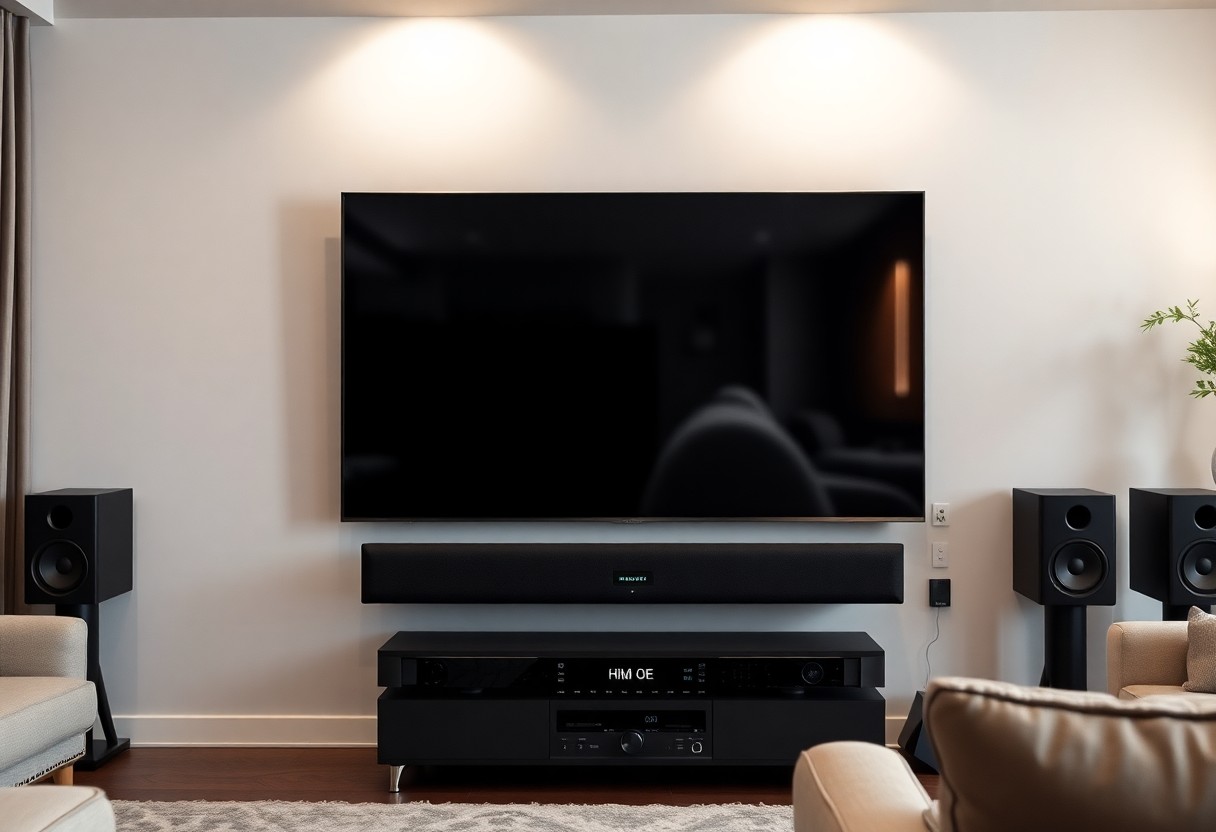
Below the screen, your soundbar’s design will play a significant role in your overall entertainment environment. Consider factors such as color, shape, and material to match your TV and surrounding décor. Whether you choose to mount the soundbar on the wall or place it on a shelf, ensure that it blends seamlessly with your space for a polished look.
It is necessary to think about the placement of your soundbar as it can affect both aesthetics and audio performance. If you opt to mount it on the wall, ensure it is at ear level when seated for optimal sound. Alternatively, placing it on a shelf or TV stand can provide a clean and uncluttered look. Selecting a soundbar with a design that complements your room’s décor can elevate the entire setup, allowing you to enjoy both excellent sound quality and visual appeal.
Price Range and Budgeting
Not every soundbar is created equal, and the price can vary significantly based on features and brand reputation. To make an informed decision, it’s vital to establish a budget that aligns with your needs without compromising on sound quality. Prices can range from budget-friendly options to high-end models, so knowing how much you are willing to spend will help narrow down your choices effectively.
Cost vs. Features
Cost is often directly related to the features that soundbars offer. While more affordable models may cover basic sound needs, they often lack advanced features such as Dolby Atmos or built-in subwoofers. Investing in a higher-priced soundbar typically provides enhanced audio performance, additional connectivity options, and better build quality, ensuring you get the most value for your money.
Where to Get the Best Deals
Beside setting a budget, finding the best deals on soundbars can maximize your investment. Online retailers and electronics stores frequently have sales and promotions, making it easier to find high-quality options at reduced prices.
Consequently, keeping an eye on seasonal sales events, clearance sections, and online platforms such as Amazon, Best Buy, or even manufacturer websites can help you score unbeatable deals. Additionally, consider subscribing to newsletters or following retailers on social media for exclusive offers. This approach not only helps you stay informed about discounts but also assists you in making the best decision based on your budget and desired features.
Setting Up Your Soundbar
Despite the simplicity of soundbars, proper setup can significantly enhance your audio experience. Ensure you position your soundbar correctly—ideally, at ear level when you are seated. Avoid placing it behind obstacles such as furniture or walls that can block sound waves. Connecting through HDMI ARC or optical cables can also provide you with a high-quality listening experience, so consider your options carefully.
Installation Tips
Against the common misconception that soundbars are difficult to install, most of them come with straightforward instructions. Here are some installation tips to help you get started:
- Choose a suitable location—mount it or place it on a shelf.
- Ensure proper cable management to avoid clutter.
- Connect to the correct ports—refer to your soundbar’s manual.
The key is to follow each step methodically for hassle-free installation.
Optimizing Audio Settings
With the right adjustments to your soundbar settings, you can dramatically improve your audio output. Begin by exploring various sound modes tailored for different genres, such as movies, music, or gaming. You might also want to tweak the equalizer settings to match your personal preferences and room acoustics.
Hence, fine-tuning the audio settings can lead to a more immersive experience. Take time to experiment with features like dialogue enhancement to clarify speech or surround sound settings for a more cinematic feel. Don’t hesitate to refer to your soundbar’s user manual, as many models offer unique features that can elevate your listening experience even further.
Final Words
To wrap up, understanding the range of soundbar features helps you make an informed decision that best suits your audio needs and home setup. Consider factors such as audio channels, connectivity options, and additional functionalities like built-in voice assistants. Assess your space and preferences to ensure you choose a soundbar that enhances your entertainment experience. By keeping these aspects in mind, you can select the ideal soundbar to elevate your audio enjoyment.
Leave a Reply